My Top Censorship-Busting Tools: Stay Private Online
My Top Censorship-Busting Tools: Stay Private Online
A quick note before we dive in: this post is for informational purposes only. I am not advising you to circumvent censorship laws in your country. Many of these tools are open source and publicly available — whether or not they are legal where you are is something you need to check yourself. Stay safe.
This post is a follow-up to Why Censorship Doesn’t Work — and Australia’s Social Media Ban Proves It. If you have not read it yet, it gives useful context for why these tools matter. Let’s get on with the article.
There are plenty of legitimate reasons why someone might want to protect their online privacy — from journalists working in hostile environments, to activists, to ordinary people who simply do not want every click they make logged and sold. Over the years I have built up a toaolkit of tools I trust, and here is a plain-English rundown of what is in it.
Number One: Tor
Tor — short for The Onion Router — is my first port of call. It works by routing your internet traffic through a large network of volunteer-run servers around the world, each one only knowing the step before and the step after, not the full journey. The result is that it becomes very difficult for anyone to trace traffic back to you.
It is not perfect, and it is not the fastest thing in the world, but for anonymity it is hard to beat. On desktop you simply download Tor Browser, which has everything pre-configured. On Android, an app called Orbot routes all your phone traffic through the Tor network, not just your browser. On Linux, you can use Tor directly from the command line.
There is also a Linux distribution called Tails — a full operating system you run from a USB stick. It routes everything through Tor by default and leaves no trace on the computer you plug it into. It is the kind of thing you carry in your pocket and can use on almost any machine.
Forget Most Commercial VPNs
I know that is not what the adverts tell you, but most commercial VPN services are a false sense of security. You are simply moving your trust from your internet service provider (ISP) to the VPN company — and you often know far less about them than you do about your ISP.
The better option is to roll your own VPN. It costs less than you might think and puts you fully in control.
The first thing you need is a Virtual Private Server, or VPS — essentially a small computer you rent in a data centre somewhere. I recommend picking a country that is not part of the Five Eyes or Ten Eyes intelligence-sharing agreements. These are alliances between governments — including the UK, US, Australia, Canada, and New Zealand — that share surveillance data with each other.
My favourite choice is Iceland. It runs on green energy, has strong civil liberties protections, and sits outside those agreements. A company called 1984 Hosting — yes, named after the Orwell novel — is based in Reykjavík and specifically founded to support freedom of speech and press freedom. Once you have a VPS, you can use one of the many publicly available scripts on GitHub to install WireGuard, which is currently the best VPN protocol available — fast, modern, and open source. There is also Tailscale, which is a more advanced option that builds on WireGuard and is worth looking into if you need something more sophisticated.
DNS: The Hidden Privacy Leak
DNS stands for Domain Name System. Every time you type a web address — say, bbc.co.uk — your device asks a DNS server to translate that human-readable name into the numerical address computers actually use. Think of it like a phone directory for the internet.
The problem is that your ISP controls the DNS server your devices use by default, which means they can see every website you visit, even if the connection itself is encrypted. And even without reading the content of what you do, this metadata alone — who you contacted, when, and how often — can paint a very detailed picture of your life. The same principle is how Meta can make inferences about you even if you have never had a Facebook account, simply because your contacts have.
The solution is to switch your DNS provider to one that does not log your queries. I usually point people towards Quad9. It is a Swiss non-profit, it does not log your IP address, and it blocks access to known malicious domains as a bonus. Worth noting — some of its founders came from GCHQ and the NSA, so make of that what you will. If that makes you uncomfortable, there are other privacy-respecting DNS providers out there, including some based in Iceland. A quick search will surface several options.
When the Internet Goes Down Entirely
In the most extreme situations — governments cutting mobile networks or shutting down internet access altogether — digital tools are no use. But information still needs to travel.
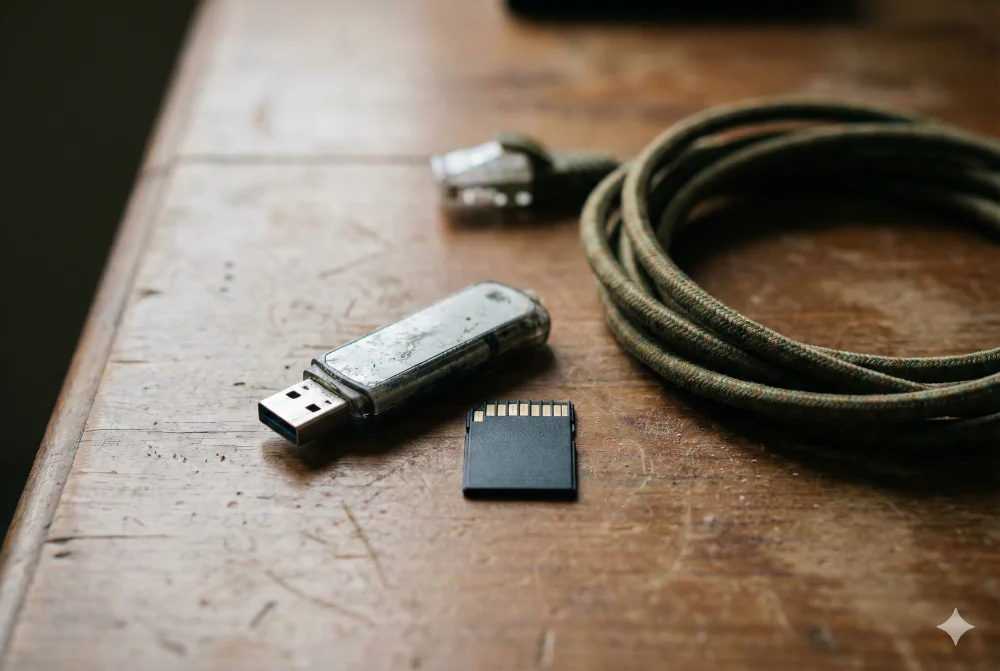
This is where physical media comes into its own. SD cards are small enough to hide almost anywhere, hold a large amount of data, are X-ray proof, and are broadly waterproof. If you have video footage, images, or documents that need to leave a restricted area, the humble SD card is a remarkably resilient option. Sometimes the old-fashioned way still works best.
What’s Your Experience?
What’s your favourite toolset for staying private online? Have I forgotten any you can’t live without? Leave a comment below or reach out on social media.
If you’d like to talk through how to protect your organisation’s communications and digital privacy, hit the “Let’s talk” button and book a free explorative call.

Axel Segebrecht is founder and director of Be Braver Ltd, a UK-based technology consultancy specialising in digital sovereignty, self-hosted infrastructure, and FOSS migration for European businesses.

Discussion